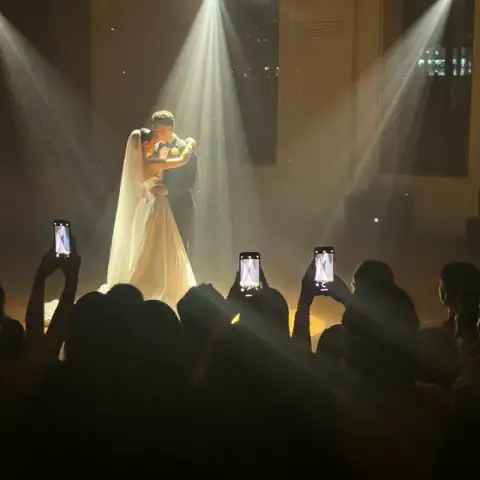

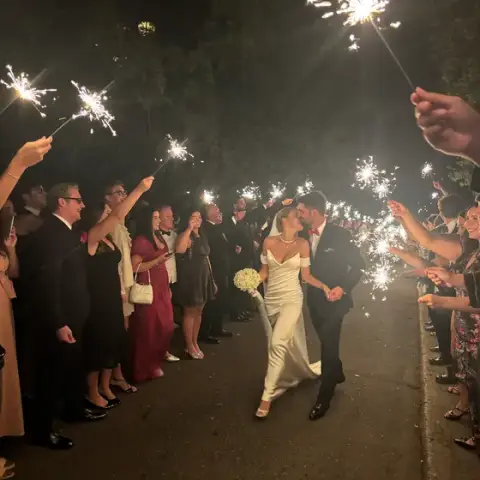
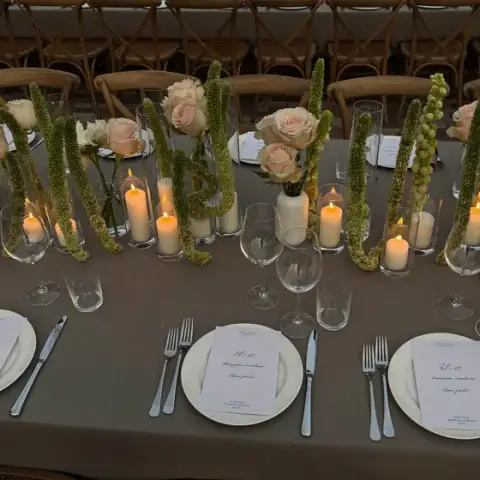

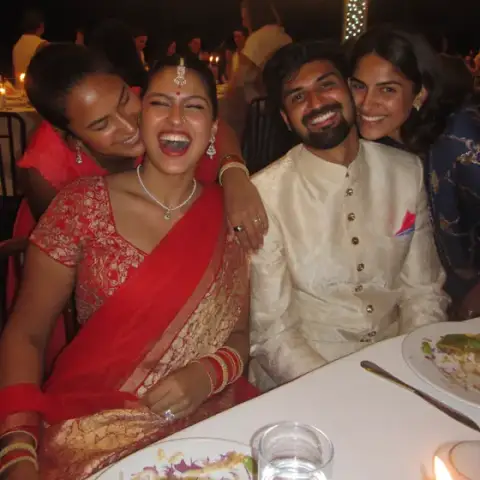

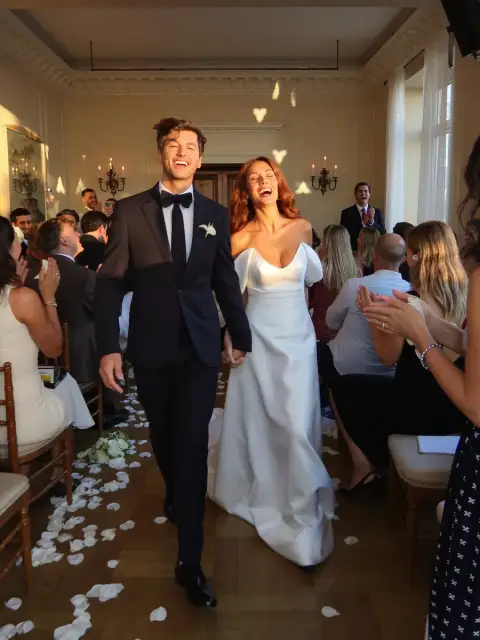

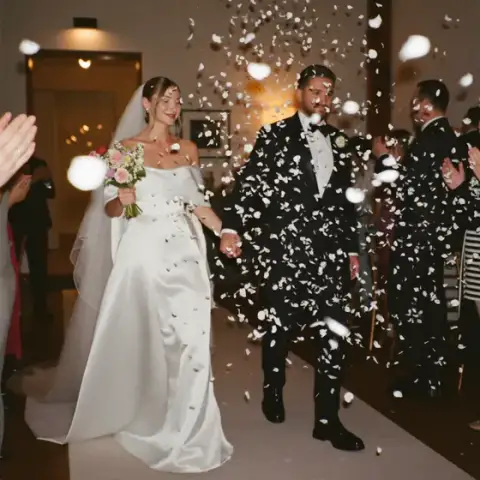


Free storage for every event you shoot.
Drop in the whole folder, pick your best shots and send your client one private link.
See a sample client galleryStart free
Already have a space? Sign in the same way.
No password. We only use your email to sign you in and to tell you when your space is ready.
How it works
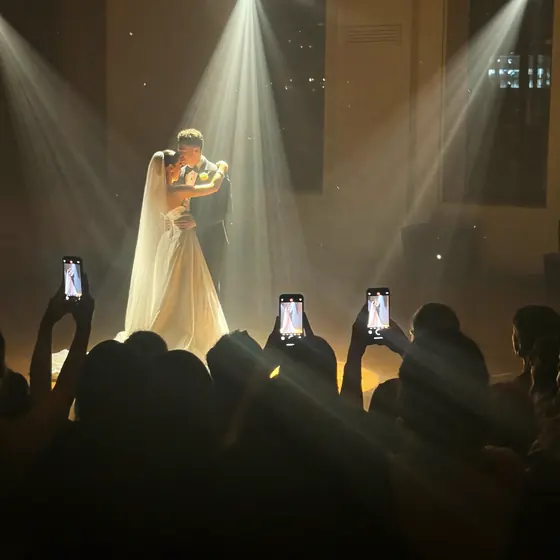

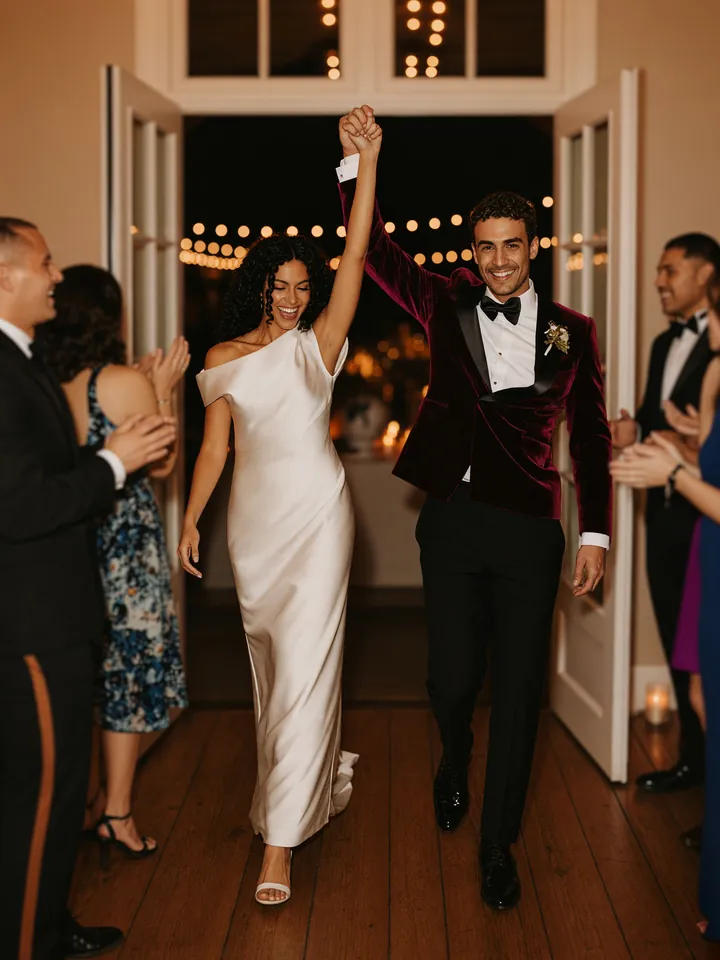
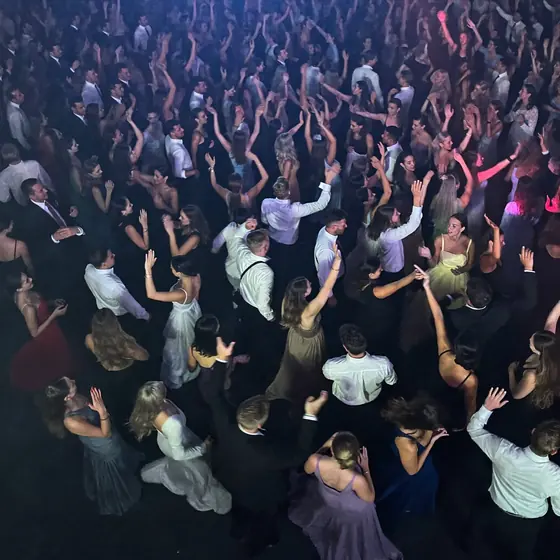
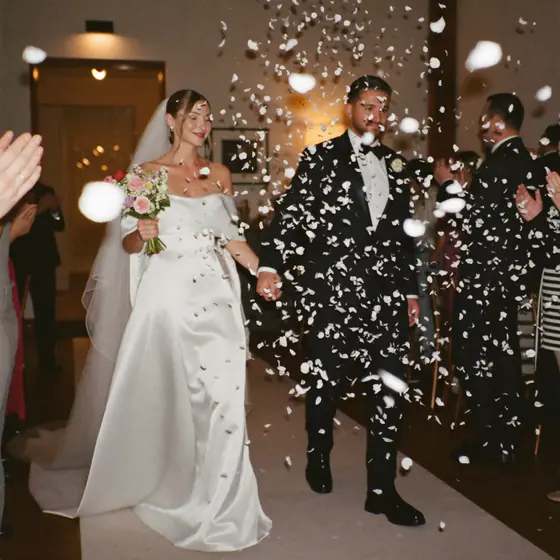
- Drop the whole folder
- Pick your best
- Send one private link
Start with 5 GB free. Need more room? Ask for up to 100 GB, or up to 500 GB as a Partner.
Photos and videos, 200 uploads a day to start. Need more room or AI sorting? Just ask.
Private until you share
Client links stay out of search. Add a password or an expiry date, or turn one off any time.
Vault never detects, matches or groups faces.
On your client's page
Clients pick favourites
Hearts and notes, up to the number you set.
Clients give feedback
Approve a photo, or comment on a moment in a video.
Clients save and share
To their phone, their own cloud or a story card.
See when they open it
Opens and downloads, right under the link.
Your brand on every gallery
Your logo and colour up top, your links at the end. We stay a small mark in the footer.

Made for event pros everywhere
- Photographers
- Videographers
- Planners
- Venues
- DJ and AV
- Photo booths
- Decor and florists
Built by Oh Tap!, the live event gallery team behind about 9,700 guest photos and videos.
Questions
What is Oh Tap! Vault?
Oh Tap! Vault is free photo storage and client delivery for event pros: photographers, videographers, planners, venues, DJs and photo booths. Drop in a whole event, pick your best shots and send your client one private link. Clients can pick favourites, approve and comment, and save to their own cloud, all from that link. Vault is made by Oh Tap! Platforms (The Better Company Inc.) and opens first to pros who work in Ontario.
Is Vault really free?
Yes. There is no paid tier and no card to enter. Every account starts on Starter: 5 GB for photos and videos and 200 uploads a day, with private events and client links. Need more room? Just ask from your dashboard. You can have up to 100 GB, or up to 500 GB as a Partner. Partners are pros who referred or resold an Oh Tap! event in the last 12 months.
How do I send photos to my client?
Make an event, drop in the whole folder and pick your best shots. Then text or email your client the event's private link, or show them its QR code. They open it on any phone or computer, with no app and nothing to sign in to. Shots you tuck away stay out of their page. You can add a password or an expiry date, and turn the link off or swap it at any time.
Do my clients need an account?
No. Your client opens your private link on any phone or computer, with no app to install and nothing to sign in to. Turn on picks and approvals, and they can heart favourites, approve and comment right there. With downloads on, they can save any photo, send the whole gallery to their own cloud storage and make story cards. Want a button that saves every photo at once? Just ask in Settings.
Can clients pick favourites or approve photos in Vault?
Yes. Turn on client picks in the event's link settings, and your client hearts their favourites, adds notes and sends you the list. You can cap how many they pick. Turn on approvals and comments, and they can approve each photo or video, ask for changes, comment on a moment in a video, or approve the whole gallery at once. You can also keep downloads closed until they approve. Their picks and comments show on your event page, with a dot on your events list when something is new.
Are my client links private?
Yes. Your events stay private until you share them. A client link is unlisted and tells search engines not to index it, so it stays out of search results. You can add a password or an expiry date, and turn a link off or swap it for a new one at any time. Vault never detects, matches or groups faces.
More questionsFewer questions
Who can use Vault?
Event pros: photographers, videographers, planners, venues, DJ and AV companies, photo booths, and decor and floral studios. Vault is open to event pros everywhere. Sign in with Google or your email, then tell us about your work on one screen. It takes about a minute, and you see where you stand as soon as you send it.
What files can I upload to Vault?
Photos and videos up to 100 MB each. Photos: JPG, PNG, HEIC, WebP, TIFF and more. Videos: MP4, MOV and WebM, stored as uploaded and shown on your client's page next to the photos. MP4 plays on the most phones and computers.
Can the client page show my brand?
Yes. Add your studio name, logo and colour in Settings. Your client page opens with your logo or name in your colour, and ends with links to your website, Instagram and booking page. You can also add your film and up to 4 more links to each event.
Can I see when my client opens the link?
Yes. Under each event's link, you see how many times it was opened, when it was last opened and how many downloads there were. You also get a QR code for the link, to print or show.
What happens when my 5 GB is full?
New uploads wait until there is room. Delete photos you no longer need, or ask for up to 100 GB from your dashboard.
How does AI sorting work?
Ask for it in Settings. Once it is on, your best shots rise to the top and soft or blurry ones are tucked into their own tab, never deleted. You can also pick Best and tuck photos away yourself on any plan. Tucked photos stay out of your client page.
Where is my work stored?
Photos and videos are stored on Cloudflare R2. Account details are kept in our database in the United States. When AI sorting is on, a resized copy of each photo is sent to OpenAI for its caption and quality score.
Can I close my Vault account?
Yes, from your dashboard. You lose access and your share links stop working right away. Your events, photos, videos and account details are deleted after 30 days. A short record that your account was closed is kept, and backups are handled as our privacy policy describes.
Ready for your next shoot?
Start with 5 GB. No card, and no app for your clients.